The cabinet
Detailed records with country, denomination, year, mint, grade and quantity — each one carrying photographs of the obverse and the reverse, grouped into the collections you actually think in.
Coin collection manager · iPhone & iPad
The most thorough coin catalogue you can carry. Selector Coins Manager turns a drawer of loose silver into a proper record — photographed, graded, valued and searchable in seconds. Sets show what's missing; the wishlist shows what's next.
Free · No account required · Your inventory stays on your device
Every screen
Seven screens, and the whole of the workflow. Slide the tray, or let it turn on its own.
What's inside
Everything a collector keeps on index cards, sticky notes and three different spreadsheets, finally in one place that fits in a pocket.
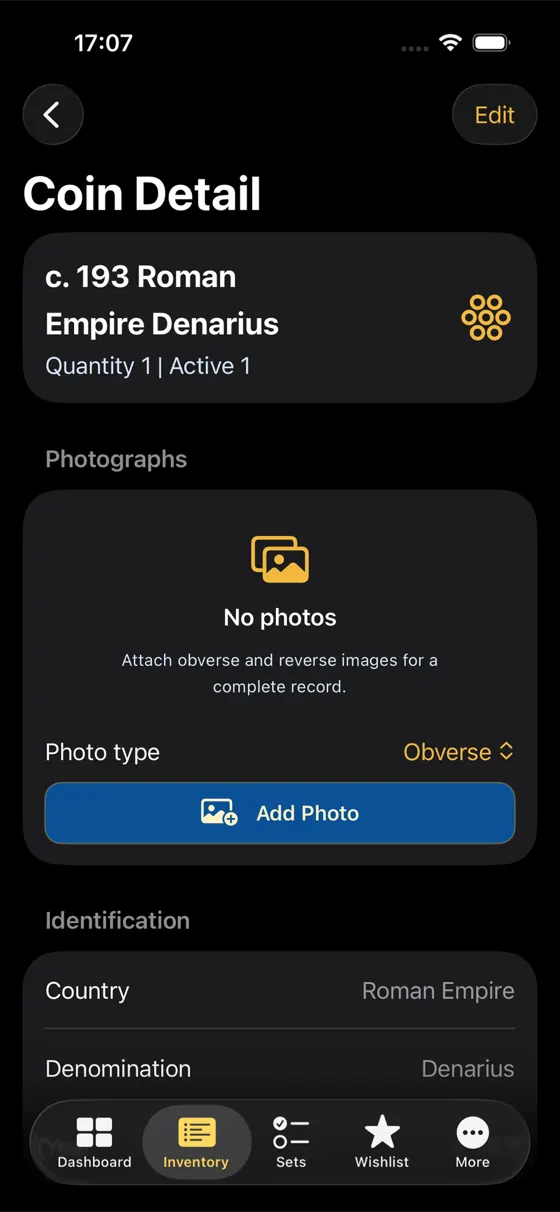
Detailed records with country, denomination, year, mint, grade and quantity — each one carrying photographs of the obverse and the reverse, grouped into the collections you actually think in.
Purchase cost against your own estimated value, coin by coin and across the whole collection, with the difference always visible on the dashboard. Your numbers, your price guide, your call.
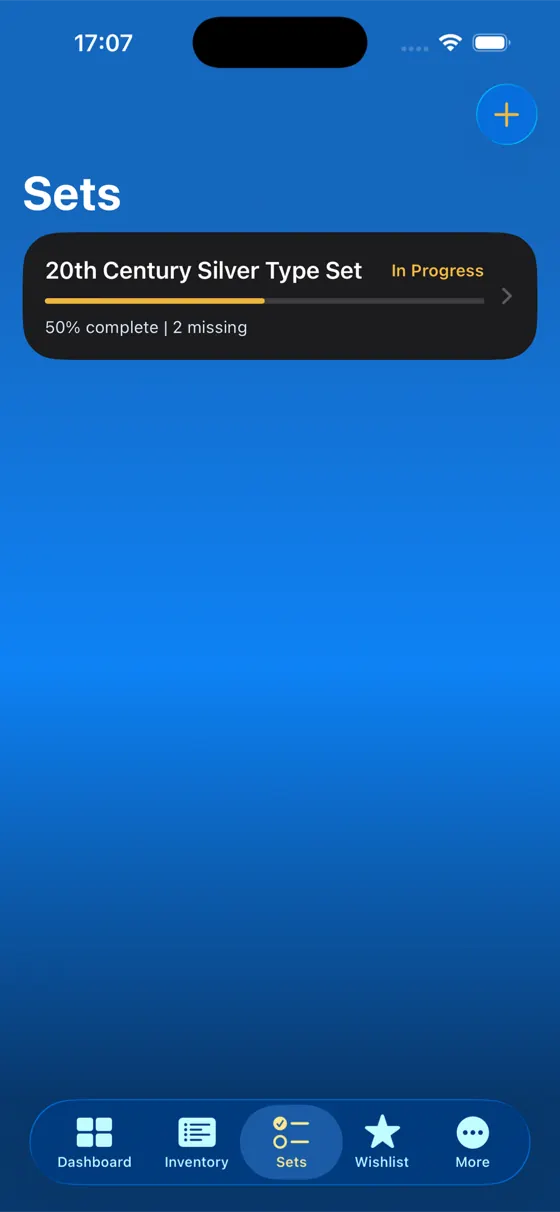
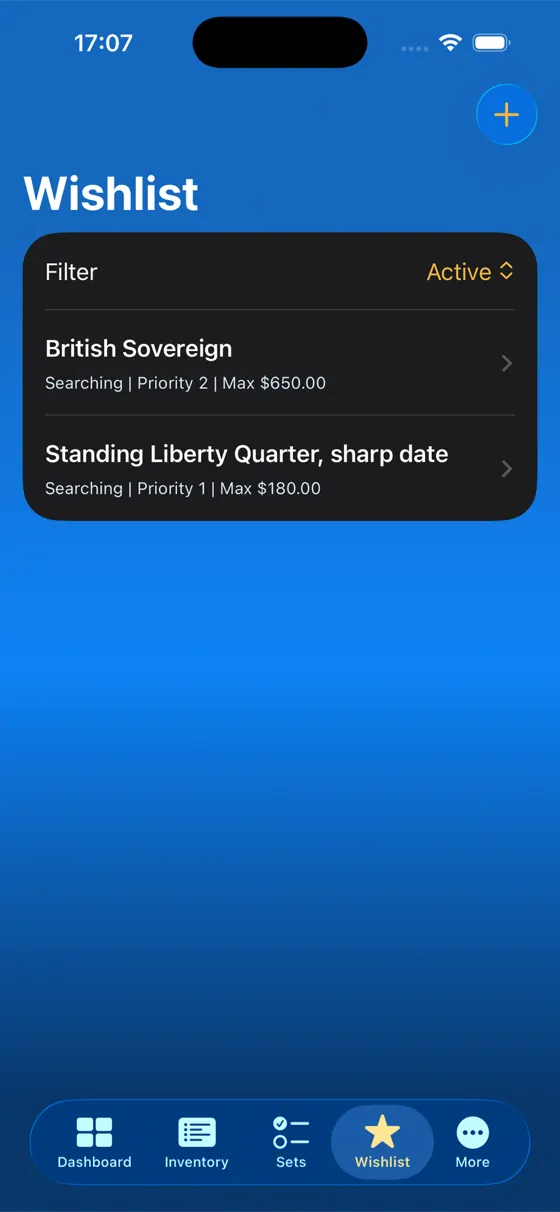
Sets count what's still missing and show completion as a percentage; the wishlist carries those gaps forward with a priority and a ceiling price for the next show or auction.
Dashboard
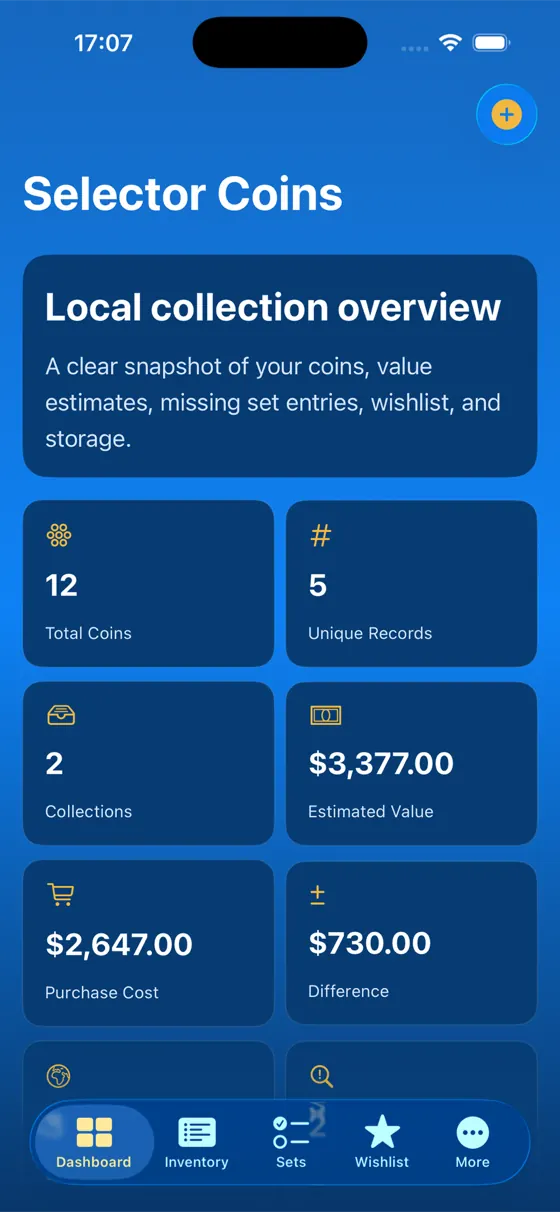
A clear snapshot the moment you launch: how many coins you own, how many unique records, what you paid, what it's worth now, and the difference between the two. No dashboard-building, no setup — it's simply there.
Inventory
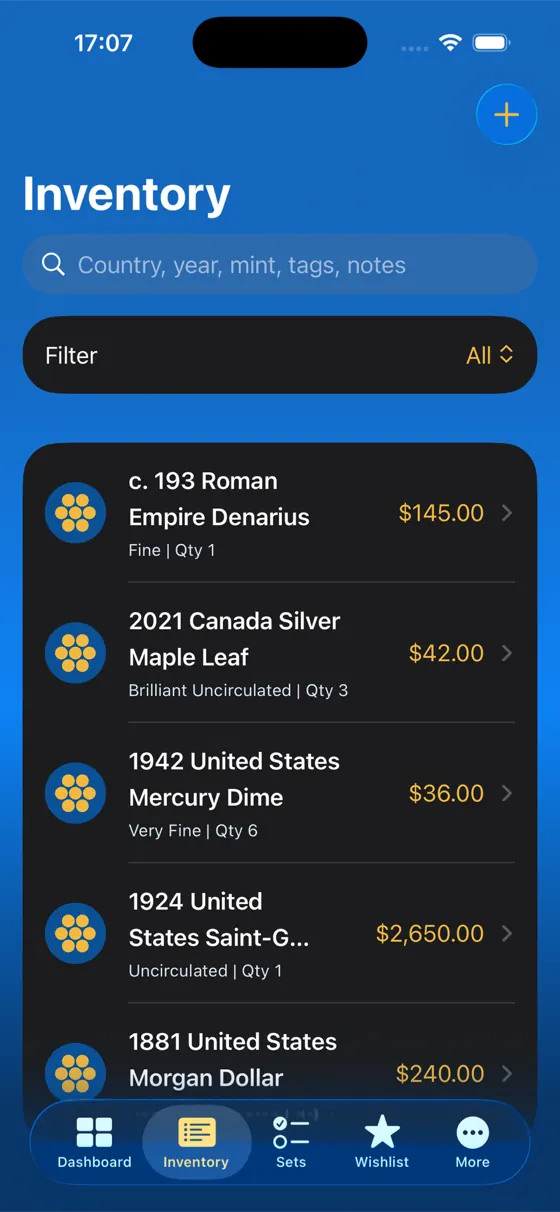
The full inventory in one scrollable list, each line carrying its grade, quantity and value so you can scan without opening anything. Search across country, year, mint, tags and notes, then narrow it with filters when the collection outgrows the screen.
Private by design
Selector Coins Manager treats it that way. The inventory is a local collection overview, there is no account to create, and using the app doesn't ask you to hand your holdings to anyone.
Getting started
Country, year, denomination, grade, quantity — then photograph the obverse and the reverse. Two minutes per piece, less once you find your rhythm.
Sort records into collections, note which safe or album each one is in, and open the sets you're working towards so the app can count what's missing.
Record what you paid and what it's worth, watch the difference on the dashboard, and keep the wishlist current for the next show or auction.
Built for
World coins, a stack of silver, a single inherited box you finally want to understand — the app doesn't care which kind of collector you are, only that the record is accurate.
Questions
It's free on the App Store. Download it, catalogue your collection, and keep going.
No account, no sign-up. The app describes your catalogue as a local collection overview — your records live on the device with you. More on privacy.
iPhone and iPad. The catalogue is built for a phone in one hand at a coin show, and it opens up to use the room on an iPad.
No — and that's deliberate. You record your own purchase cost and your own estimated value, from whichever price guide or dealer you trust. The app does the arithmetic and shows you the difference; the judgement stays yours.
Yes. Each record has a photographs section where you choose obverse or reverse before attaching an image, so a coin is documented from both faces.
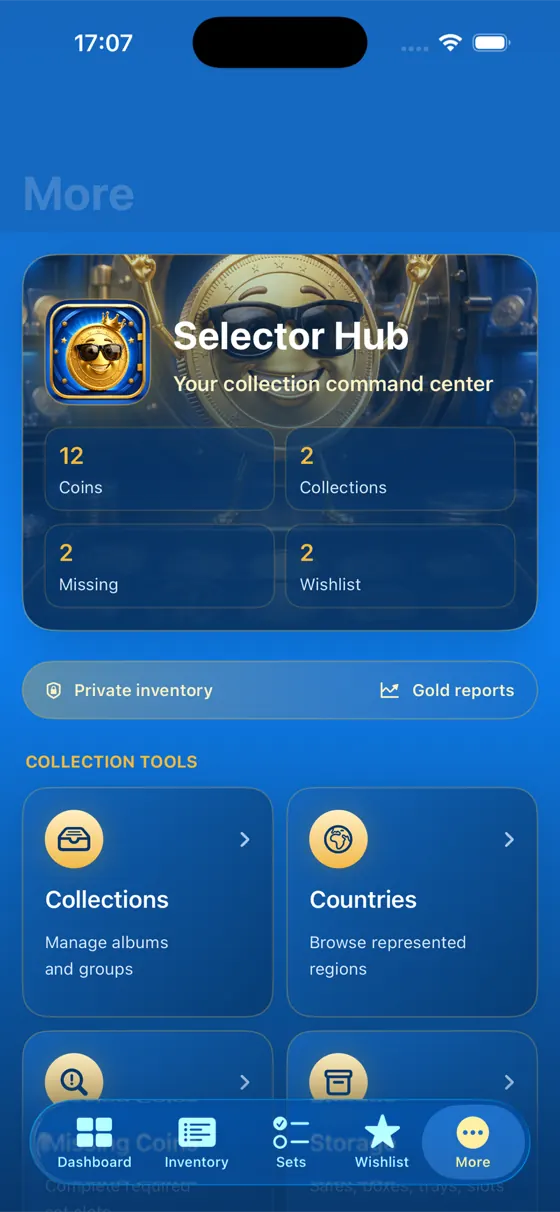
Coin records with identification and condition, photographs, collections, sets and their missing entries, a wishlist with priorities and maximum prices, storage locations, countries represented, and value notes over time. See the full list.

Free on the App Store. Your first coin takes two minutes; the rest of the collection follows faster than you'd think.